
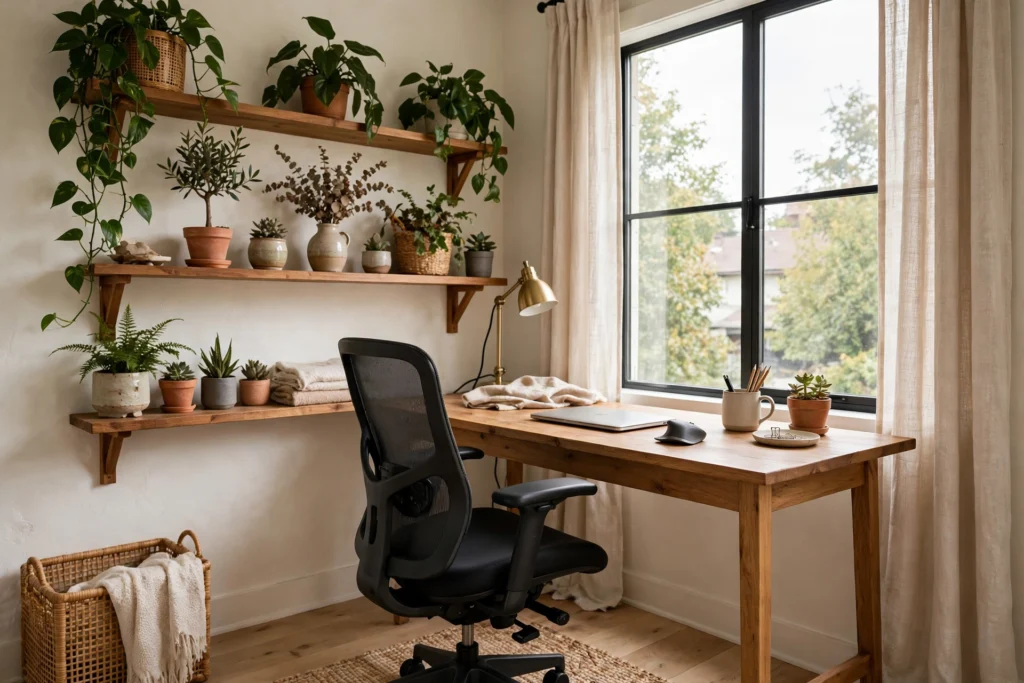
The best home office ideas start from a liberating fact: good work does not need a spare room, it needs a dedicated spot. A corner of the living room, an alcove, a landing, even the under-stairs cupboard can become a workspace that genuinely works — somewhere your brain learns to associate with focus, with light in the right place, a chair that does not punish you, and everything you need within reach. What it cannot survive is being an afterthought on the dining table, cleared away nightly and rebuilt every morning.
These ideas cover finding and claiming the spot, the desk-and-chair foundations, light and ergonomics (the unglamorous bits your back will thank you for), storage and cable control, and styling that keeps the workspace welcome rather than worthy.
Find Your Spot: Corners, Alcoves and Forgotten Metres
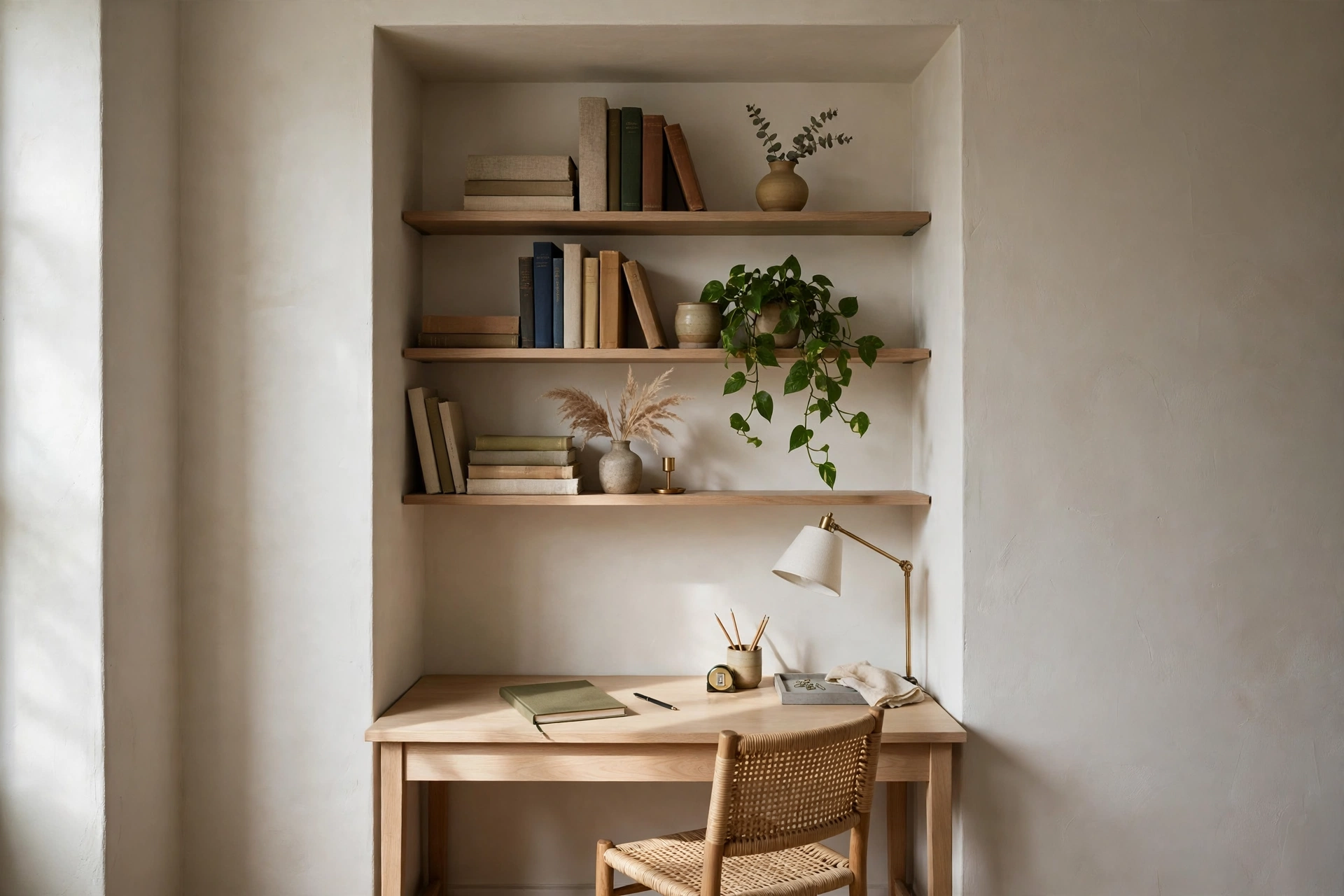
Walk your home looking for ‘dead’ space with fresh eyes. The classic wins: an alcove beside a fireplace (a made-to-measure desktop or even a standard small desk plus shelves above); the under-stairs cupboard (door removed or not, it offers something precious — a boundary); a wide landing; the corner of a bedroom (keep it as far from the bed as the room allows, and screen it if the sight of work bothers your sleep); or a slice of the living room behind the sofa line. Judge candidates by three tests: daylight without glare on your screen, a power socket within reach, and a door or visual separation you can create at the end of the day. A fold-down wall desk or a bureau that closes up is the small-space champion — the office literally shuts at 5.30, which protects both the room and your evening.
The Foundations: Desk and Chair
Spend your money in this order: chair first, desk second, everything else after. A chair with adjustable height, lumbar support and arms that fit under the desk will do more for your working life than any amount of styling. Aim for feet flat on the floor, knees roughly level with hips, and your screen’s top at about eye level — a laptop on the desk almost always needs a stand or a stack of books plus a separate keyboard and mouse to achieve this. The desk itself needs only to fit your kit honestly: 100–120cm wide suits a laptop and notebook; dual screens want 140cm+. Depth of 60cm is the comfortable minimum. If space is tight, a wall-mounted drop-leaf or a console-table desk earns its floor area twice over.
Light and Background: Kind to Eyes and Video Calls
Position the desk side-on to a window where you can: light over your shoulder or from the side gives bright, even working light without screen glare or the silhouette effect of sitting with the window behind you. Add a desk lamp with an adjustable arm for dull days and evenings, aiming it at your work, not your screen. For video calls, the camera wants light on your face (that window or a small lamp behind the screen), a background that is calm and reasonably tidy (a bookcase, a plant, art — in that order of forgiveness), and the lens at eye level. These are small things; on screen, they are the difference between ‘professional setup’ and ‘hostage video’.
Storage and Cable Control
A workspace fails by a thousand small messes. Keep storage vertical: shelves above the desk for files, reference books and the printer; a small drawer unit under the desk for the everyday kit; a pinboard or rail for the papers that would otherwise colonise the desktop. Then tame the cables, which are half the visual noise: a cable tray or box under the desk, velcro ties grouping the runs, one multi-socket strip instead of four trailing leads, and chargers living in one drawer. Label chargers if your household raids them. The test of a working office corner is that clearing it takes two minutes, not twenty.
Styling: Make It Somewhere You Want to Sit
Finally, make it yours — a workspace you like looking at is one you will sit down at willingly on a grey Monday. A plant (something unfussy: pothos, a snake plant), one piece of art or a print at eye level, a mug that is only for work, warm rather than cold-white light bulbs, and colours that connect the corner to the rest of the room so it reads as part of the home, not an invasion. If the office shares a living space, a rug under the desk and chair quietly zones it: within the rug, work rules apply; outside it, the room is itself again.
The Bottom Line
Create a home office that works anywhere by claiming one dedicated spot — alcove, corner, landing, cupboard — and building it properly: a supportive chair, a desk deep enough for your kit, side light for your eyes and your camera, vertical storage, controlled cables, and a closing ritual (a bureau lid, a screen, a door) that ends the working day. Room optional; intention required.
Frequently Asked Questions
What is the smallest space that works as a home office?
About 100cm of width is enough for a workable desk setup: a wall-mounted fold-down desk or slim console, a proper chair, a shelf above and a drawer unit below. Alcoves and under-stair spaces of roughly that size host complete offices all over the country.
Where should a desk face in a home office?
Side-on to the window is best for light without glare. If you can face into the room rather than a wall, most people find it easier to concentrate — and it looks better on video calls. Avoid sitting with a bright window directly behind you.
How do I separate work from home in the same room?
With boundaries you can see and close: a desk that folds away or has a lid, a screen or curtain, a rug defining the zone, and a shutdown ritual — laptop closed, chair pushed in, lamp off — at the same time each day.
What should I buy first for a home office?
The chair. An adjustable chair with lumbar support, then a way to raise your screen to eye level (stand or books) with an external keyboard and mouse if you use a laptop. Everything decorative can wait; your back cannot.


